
How do I claim more rewards in the Rewards Center?
What this guide covers
Explains how to open the Rewards Center (Shares), earn more commission rewards by sharing invites, and view, unlock, and claim pending rewards in the Rewards list.
Requirements and before you start
- You are signed in to DeBox.
- Commission rewards typically come from friend trades and trades facilitated in Clubs / Groups / Lives you created (follow current Shares page copy).
- Some on-chain rewards may require an Unlock payment before claiming. Verify payment amount, network, and wallet balance carefully.
- Never share your seed phrase, private key, or PIN with anyone.
Steps
1. Open Rewards Center
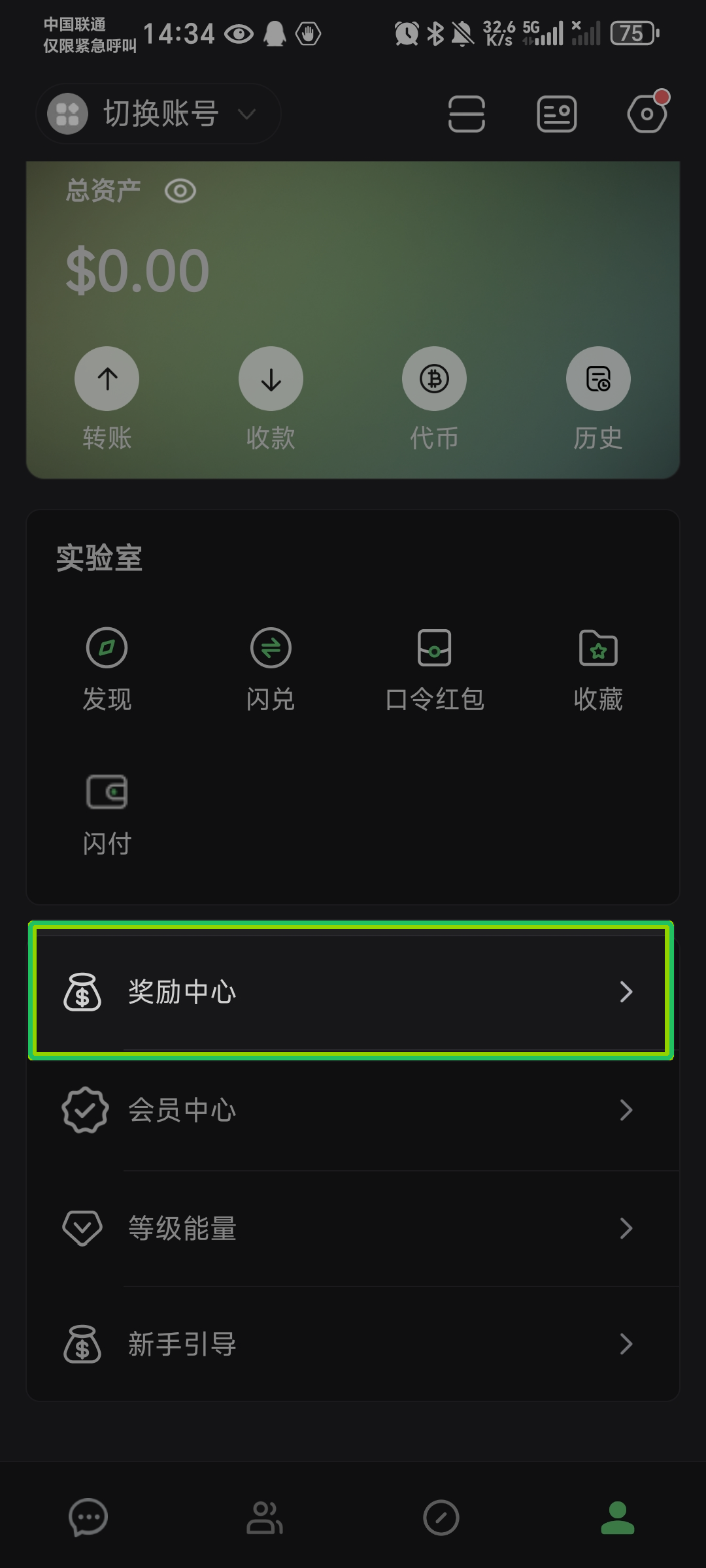
Go to Me and tap Rewards Center to open the Shares page.
2. Learn how to earn more rewards
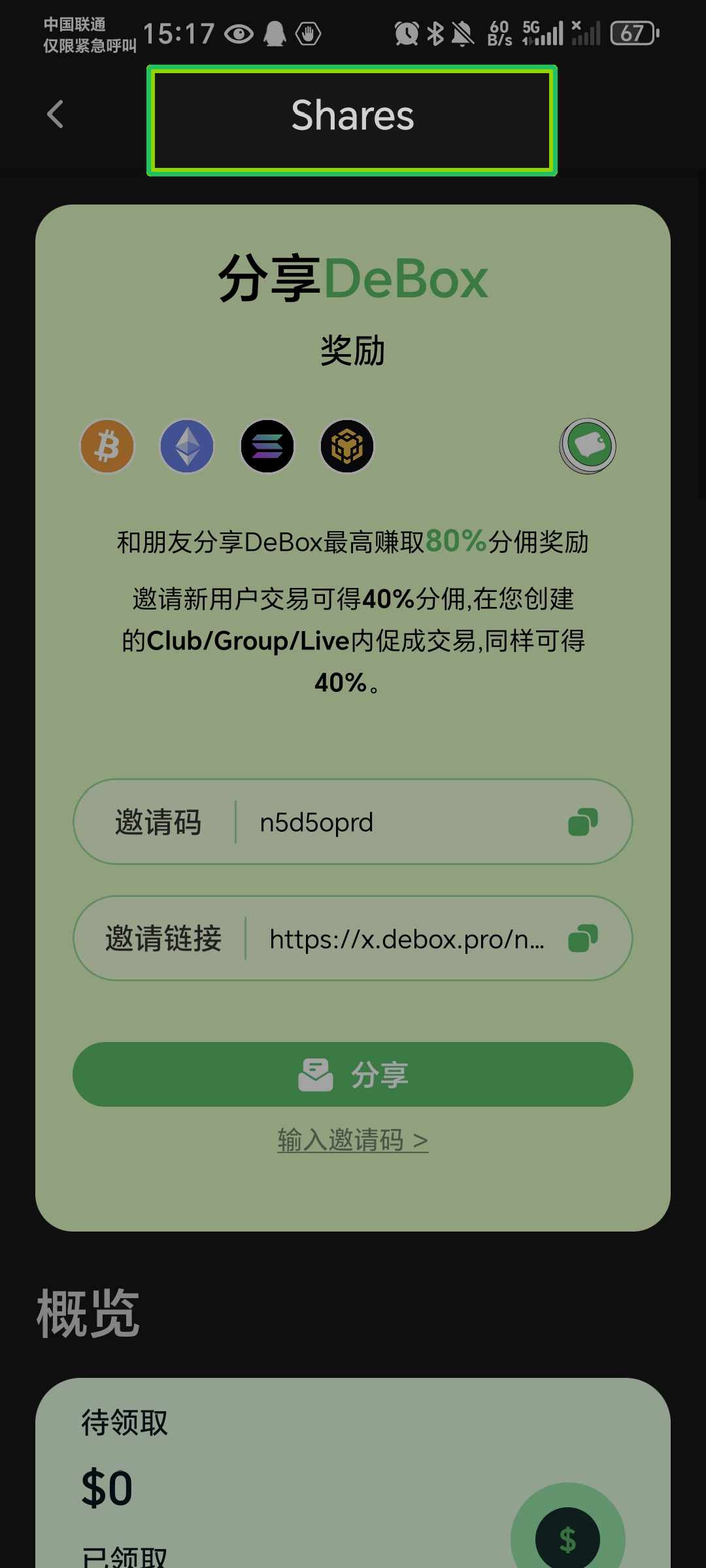
The green card at the top of Shares explains current commission rules. Common copy includes:
- Share DeBox with friends and earn up to 80% commission;
- 40% when invited new users trade; 40% for trades facilitated in Clubs / Groups / Lives you created.
Scroll down to Overview for Pending claim and Claimed amounts. Rates and metrics follow the live page.
3. Share invite code / invite link
To earn more commission, friends must join through your invite and generate qualifying trades:
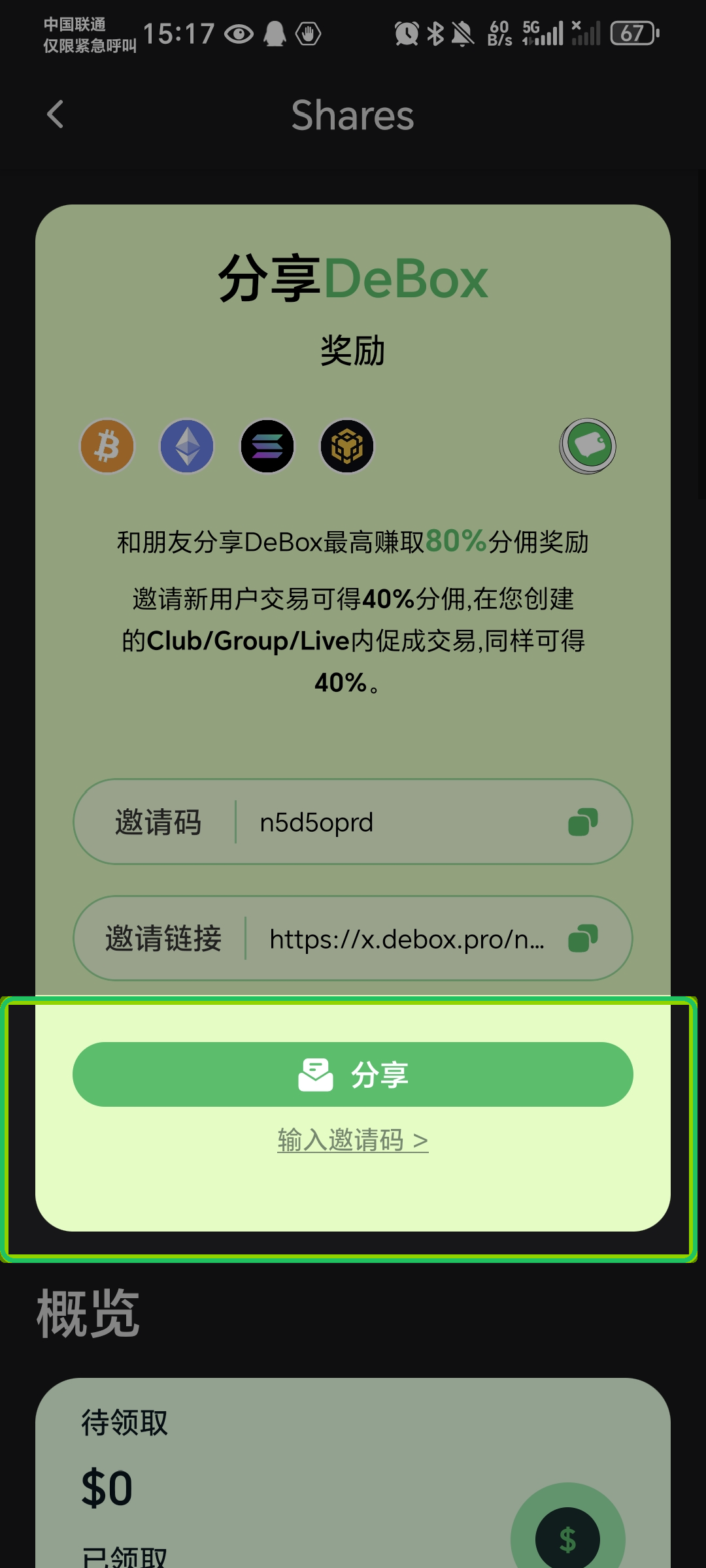
- Copy your invite code or invite link from the green card;
- Or tap Share to save a poster, share to X, or use system share.
4. (Optional) Bind someone else's invite code later
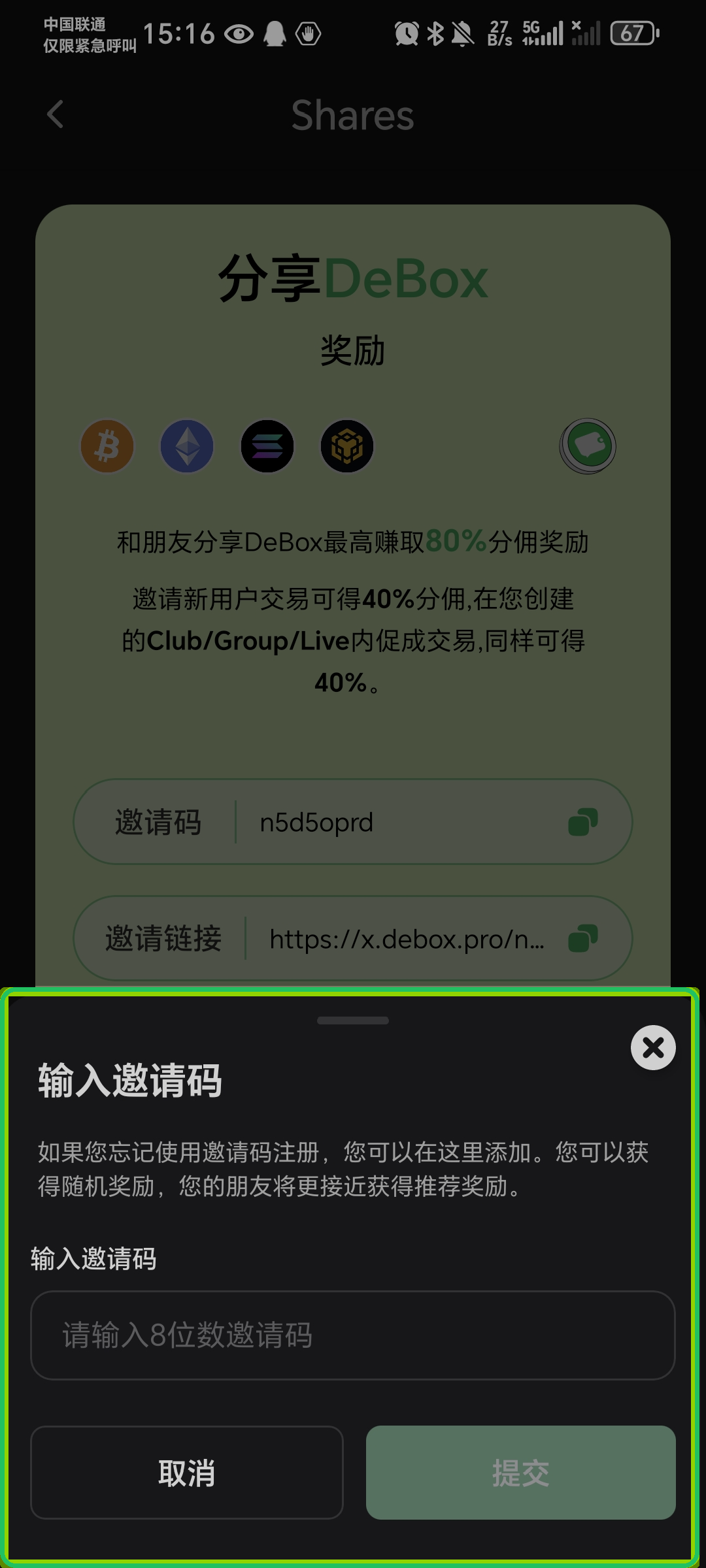
If you did not enter an invite code at registration, tap Enter invite code > at the bottom of the share card, enter the 8-character code, and submit. The page may offer a random reward and help your friend meet referral conditions faster.
5. Review and claim pending rewards
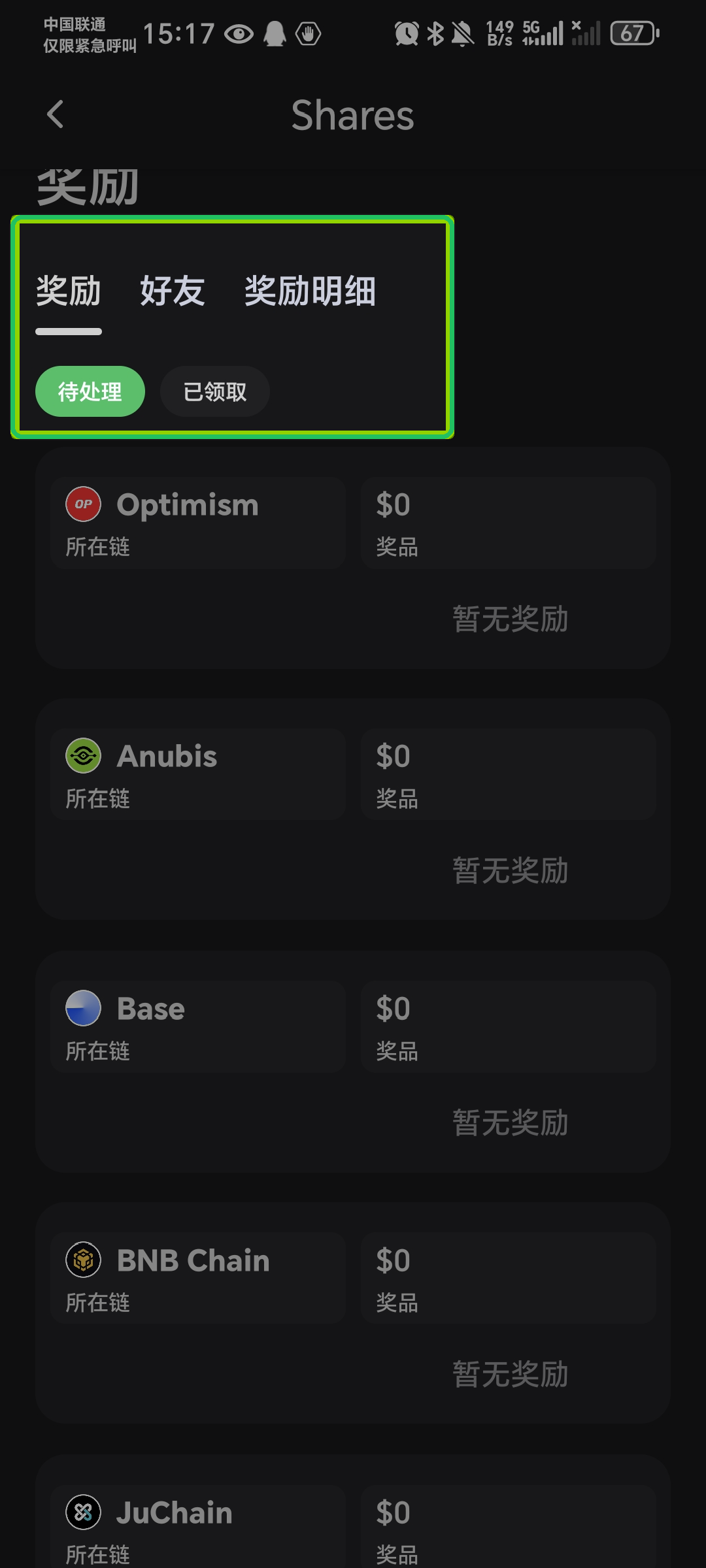
Scroll to the Rewards section, switch to the Rewards tab, and filter Pending:
- Review reward amounts by chain;
- If the button shows Unlock: complete authorization and payment per the modal, then claim Shares after unlocking;
- If the button shows Claim: tap to claim; on-chain rewards require transaction confirmation;
- Switch to Claimed, Friends, or Reward details for history and referral relationships.
When there are no rewards, the page shows No rewards yet.
Common questions
Why can't I tap Claim even though I see a reward amount?
If claim eligibility is not unlocked, the button shows Unlock. Complete payment/authorization per the modal first; after payment or partner qualification, it changes to Claim. Amount and network follow the modal.
Why is overview still $0 after sharing?
Commission usually depends on friends completing valid trades after registration, and trades in your Clubs / Groups / Lives. Refresh later under Rewards / Reward details; rules follow in-app copy.
What if claim fails or rewards don’t arrive?
- Confirm network, Gas, and token balance; avoid duplicate submissions.
- Pull to refresh under Rewards / Reward details—commission often depends on friends’ valid trades and can lag.
- If unlock payment cleared on-chain but the page didn’t update, keep the transaction hash and contact official support.
Is this the same as Flash Pay cashback?
No. This guide covers invite commission in Me → Rewards Center (Shares). For Flash Pay cashback, see How do I view and claim Flash Pay rewards?.