
How to register a Hong Kong Apple ID?
What this guide covers
Help you register a Hong Kong-region Apple ID, sign in on the iPhone App Store, and search for and download DeBox.
Requirements and before you start
- Use an iPhone and be able to access the Apple account registration page.
- Prepare an email address that can receive verification messages.
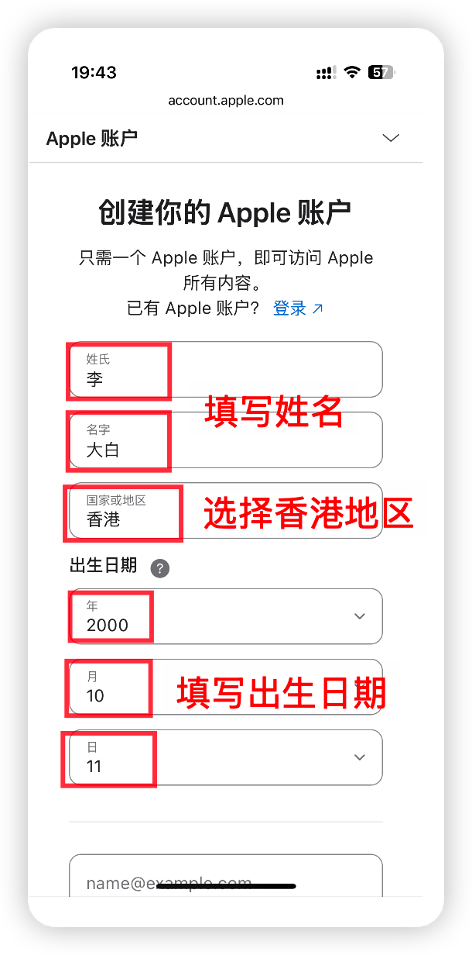
- Choose Hong Kong as the registration region. Exact form fields follow the Apple page.
Steps
1. Register an account on the Apple website
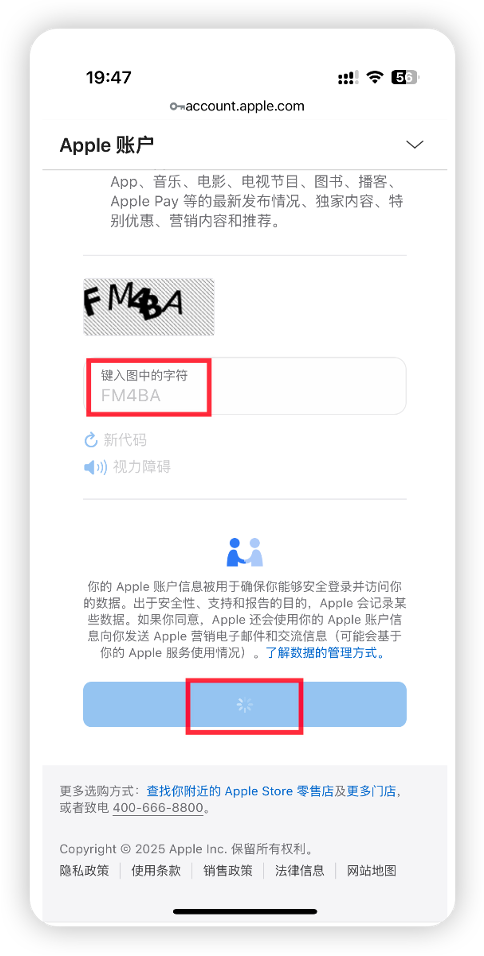
Open https://account.apple.com/account, fill in the registration details as prompted, and create a Hong Kong-region Apple ID.
2. Sign in to that account in the App Store
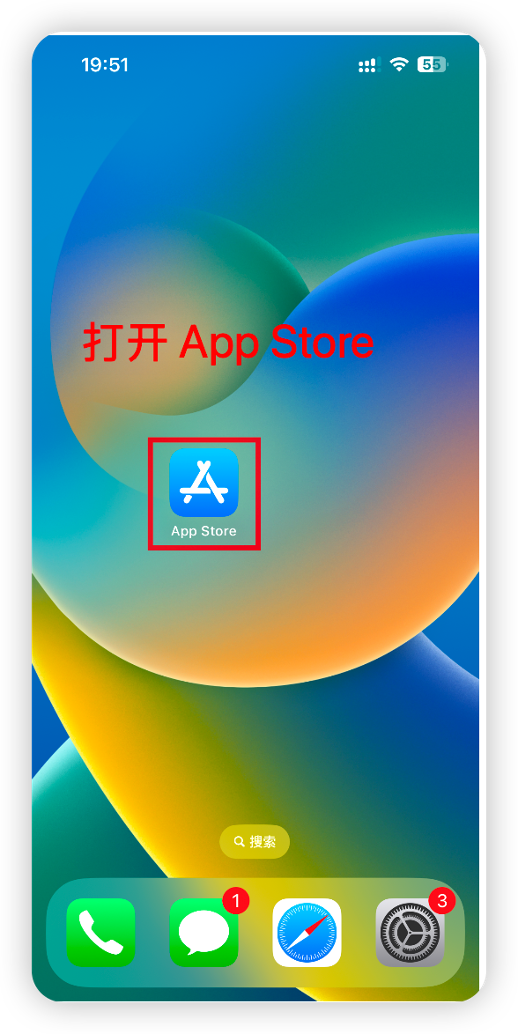
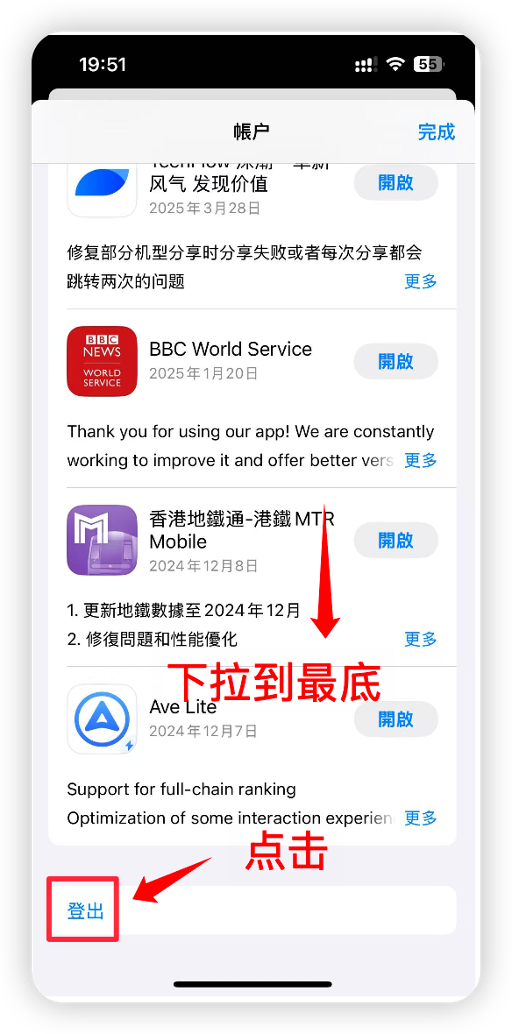
Open the App Store on your iPhone, sign out of the current account if needed, and sign in with the Hong Kong Apple ID you just registered.
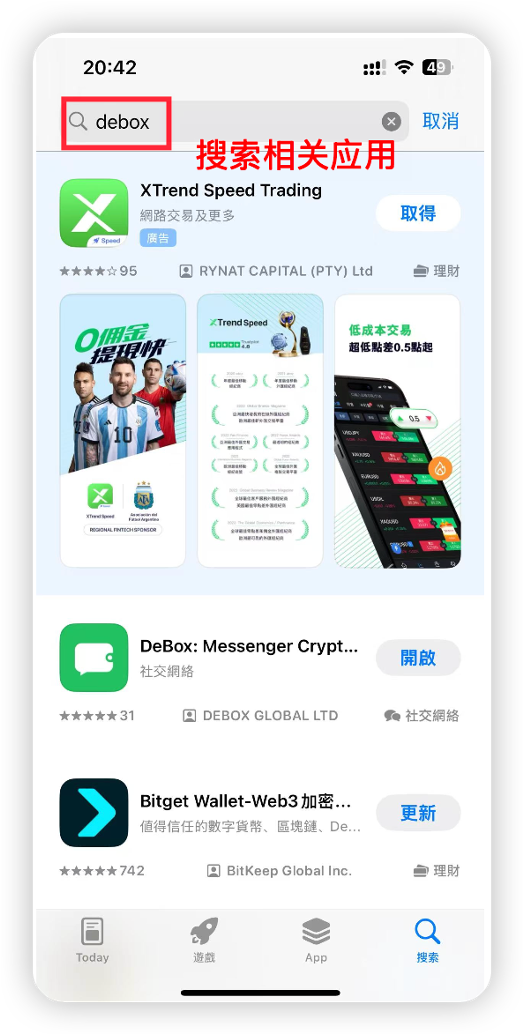
3. Search for and download DeBox
Search for "DeBox" in the App Store, confirm the developer and app details, then download and install.
Frequently asked questions
Can I download DeBox without an overseas Apple ID?
Downloading DeBox on iPhone requires an overseas Apple ID (a Hong Kong account is recommended). Complete registration and sign-in in this guide before continuing with installation.
What if App Store sign-in shows region or payment issues?
Follow the prompts on the Apple page for region, verification, or payment details. If you still cannot sign in, contact Apple Support or try again with a different verification email.