
How to download and install DeBox on Xiaomi phones?
What this guide covers
Help Xiaomi phone users turn off installation restrictions, download the installer from the official site, and install DeBox.
Requirements and before you start
- Use a Xiaomi phone (MIUI / HyperOS interfaces may look slightly different).
- Download the installer only from the DeBox official site https://debox.pro/.
- Grant required permissions such as Install unknown apps when the system prompts you during installation.
Steps
1. Turn off Install monitoring
Open Settings, search for and open Security or related entries such as Security app, then follow the page to turn off Install monitoring (or an equivalent security block) so the system does not block installation.
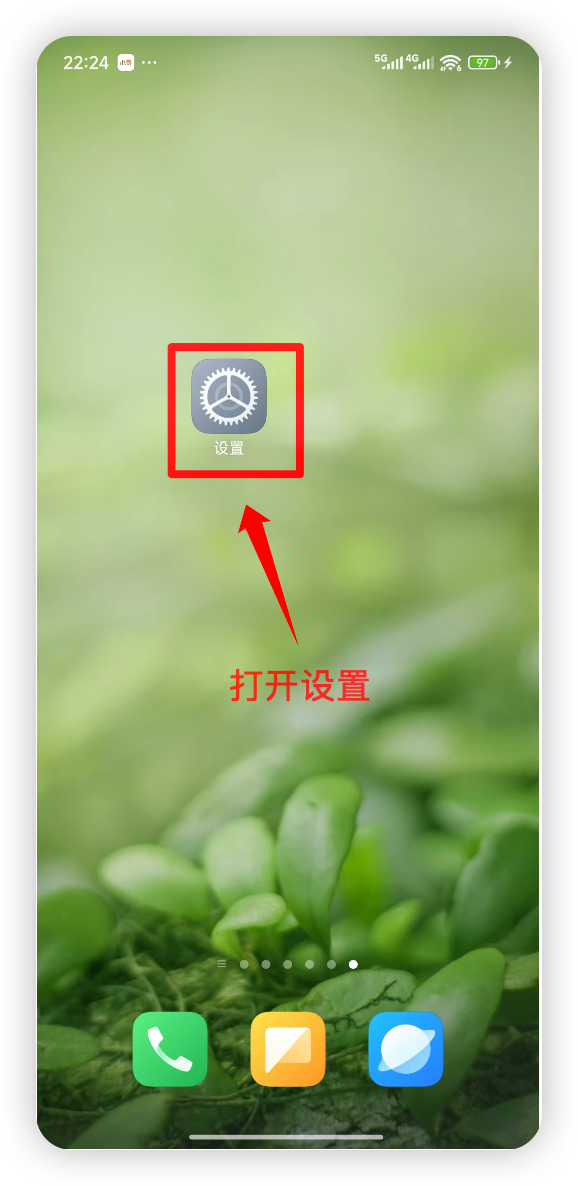
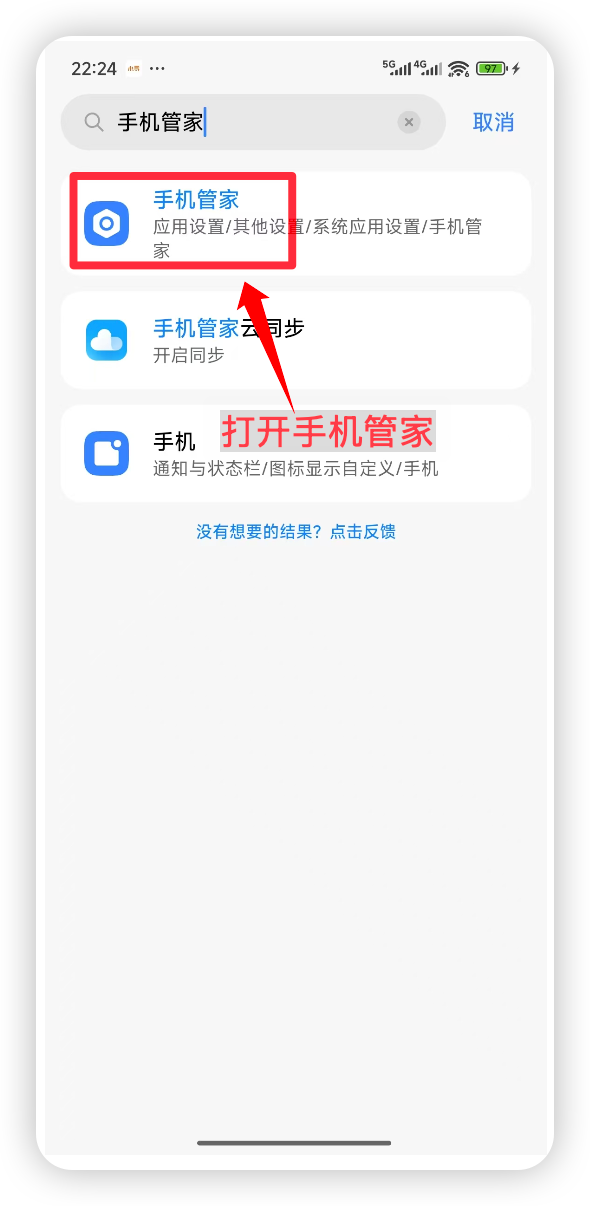
2. Open the official site and download the installer
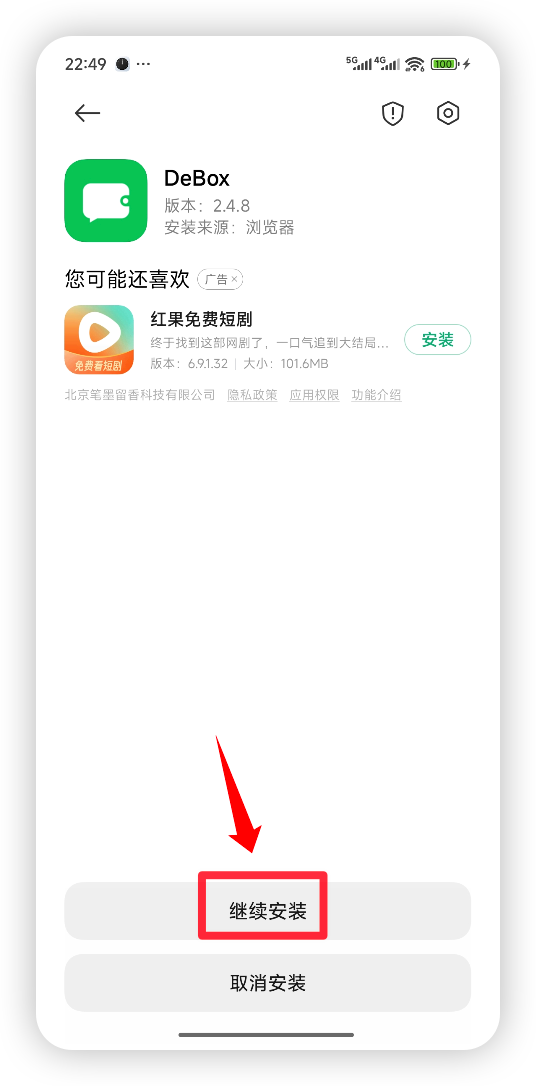
Visit https://debox.pro/ in your browser, download the DeBox Android installer (APK), allow this installation, and complete setup.
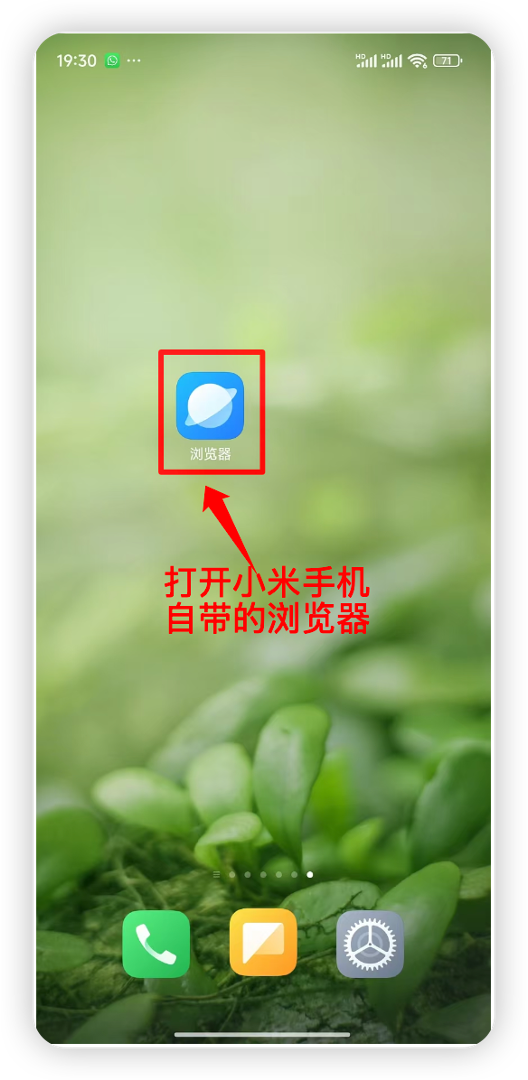
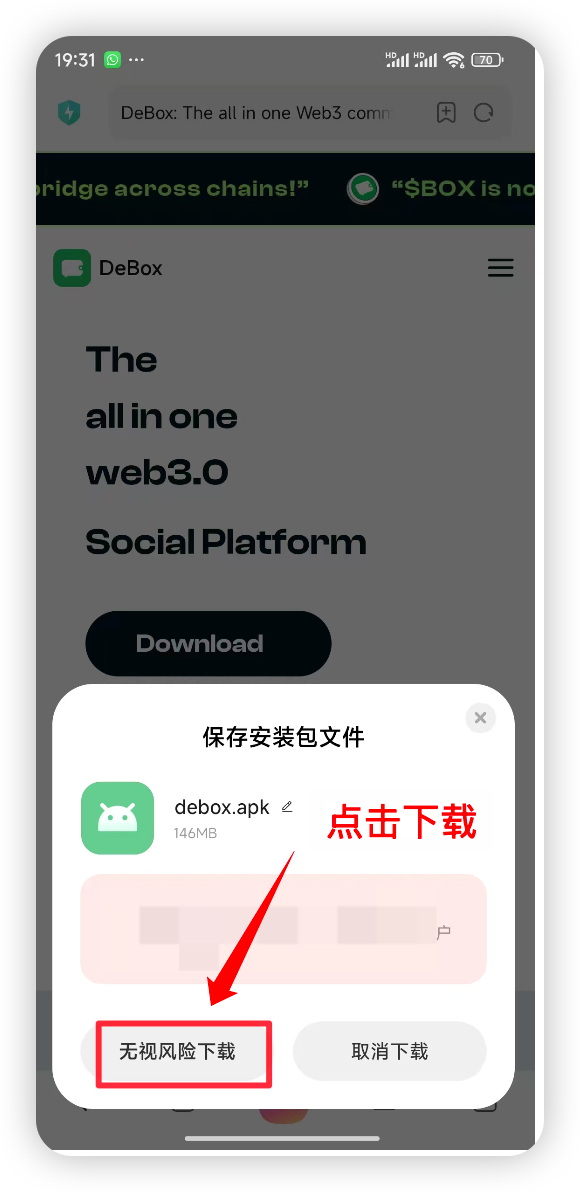
3. Register a DeBox account
After installation, open DeBox and follow How to register a DeBox account? to register or sign in.
Frequently asked questions
What if installation is blocked?
Confirm that install monitoring is turned off, and allow your current browser or file manager to install unknown apps in system settings, then try again.
How do I confirm the download source is safe?
Download only from the official site https://debox.pro/. Do not use installers from unknown third-party sources.